1. Export a CSV file from Live Timecode Notes app
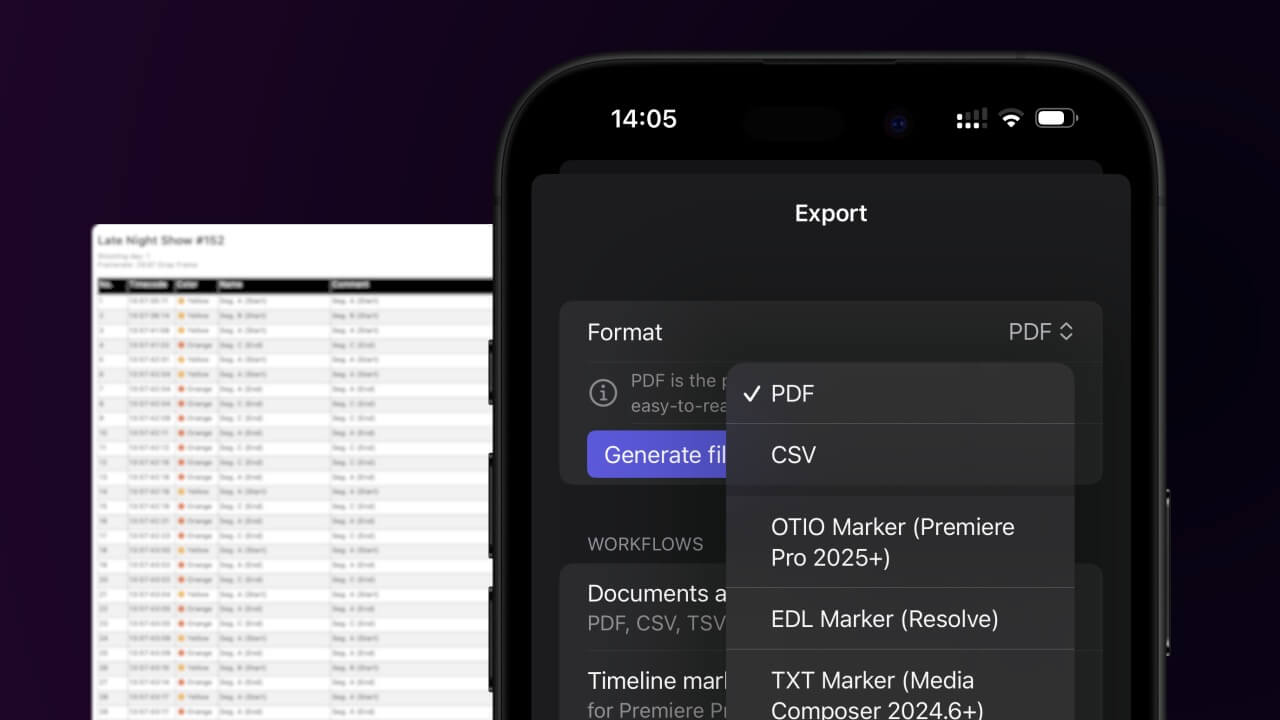
Open the project in the app, then select "Export Notes" from the top menu. Select "CSV". Generate and save the file.
2. Import the CSV file into Google Sheets
Open Google Sheets and go to "File -> Import". Upload the generated CSV file and press "Import Data" to generate the Sheet with all markers.

🚀 Klart
Det var allt för den här gången! Om du tyckte att handledningen var användbar får du gärna dela den för att stödja oss. Om du har förslag på hur vi kan förbättra arbetsflödet, hör av dig!