Subtitle Tool & Converter
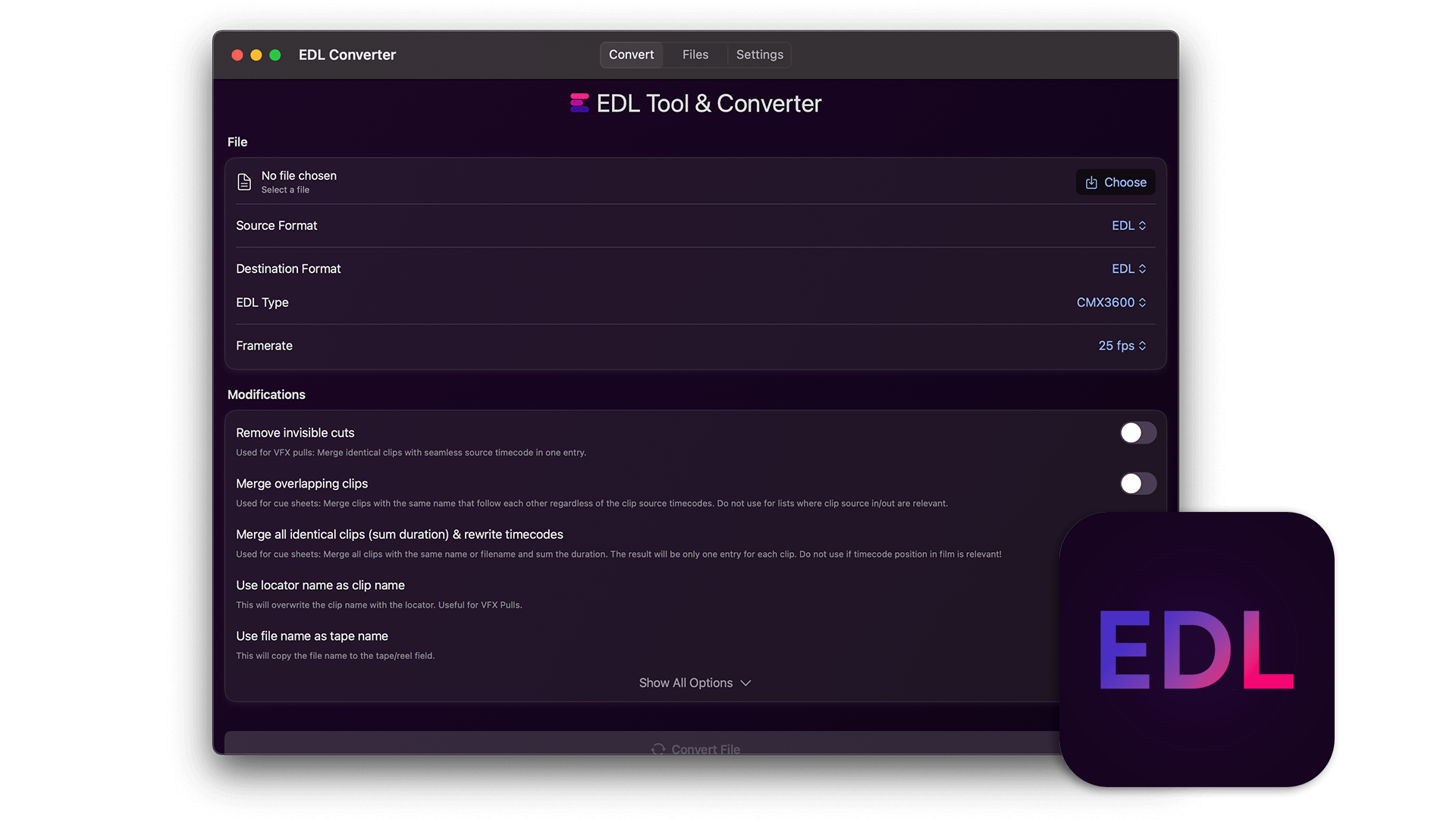
This is a standalone application for macOS and iOS that can be used to convert and modify subtitle files like SRT, VTT, and CSV.
This is a standalone application for macOS and iOS that can be used to convert and modify subtitle files like SRT, VTT, and CSV.

Requires macOS 14.6 or later
iPhone & iPad iOS 17.6 or later
The EditingTools.io Subtitle Converter helps with converting and modifying subtitle files. This app is a desktop version of our online subtitle tool and works completely offline.
We build this app with security in mind, which means no data is shared with any third party and everything is processed locally. This makes it ideal for top-secret projects and high-security environments.
We offer three types of licenses. The single-user license is ideal for freelancers who want to use the software on one or two computers. This license is tied to a single account. For companies, we offer a team license, which is bound to the company. The number of licenses can be chosen upon purchase, with a minimum of three licenses. We also offer an enterprise option. Please contact our sales team for more information. All licenses are perpetual.
Observera: Plugin-programmet är för närvarande endast tillgängligt på engelska.
You will be redirected to the secure "Paddle" checkout. Paddle.com is the Merchant of Record.
Reverse-Charge: If you are buying for a company and have a VAT ID, you may be able to use the reverse charge procedure in some countries. On the checkout page, click "Add VAT ID" on the left after selecting your country and postcode.
Om du har några frågor eller önskemål om funktioner, vänligen kontakta vårt supportteam. Vi är glada att kunna hjälpa dig!
Efter nedladdningen packar du upp zip-filen och startar .app-filen. Sedan är det bara att följa installationsguiden.
Ja, om det finns uppdateringar tillgängliga kan du ladda ner dem gratis.
Nej, den här applikationen fungerar offline och delar inte någon av dina projektdata online.